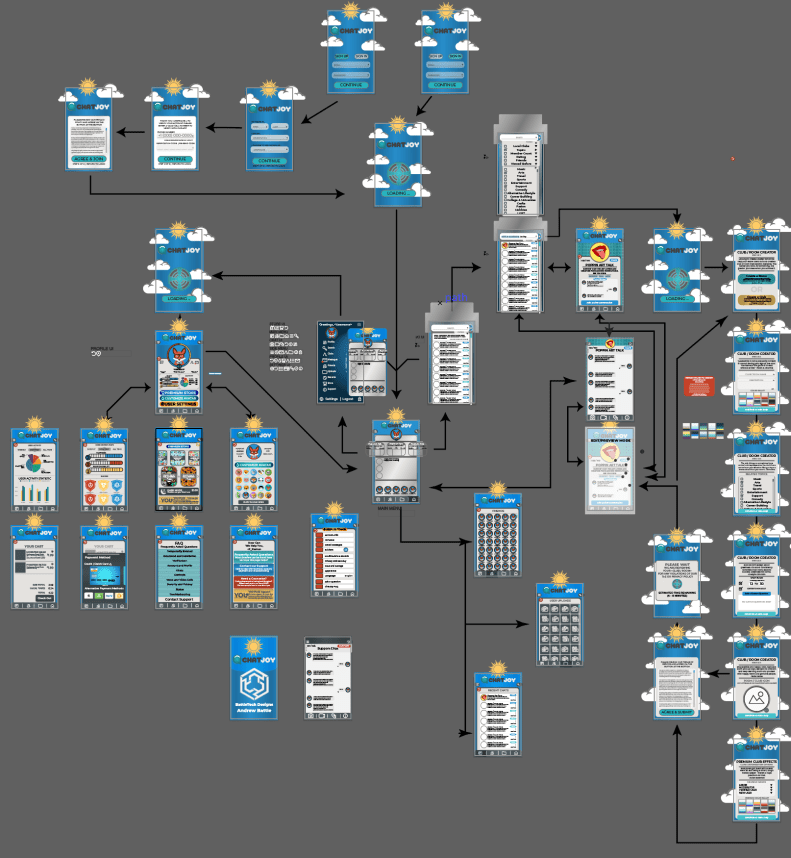
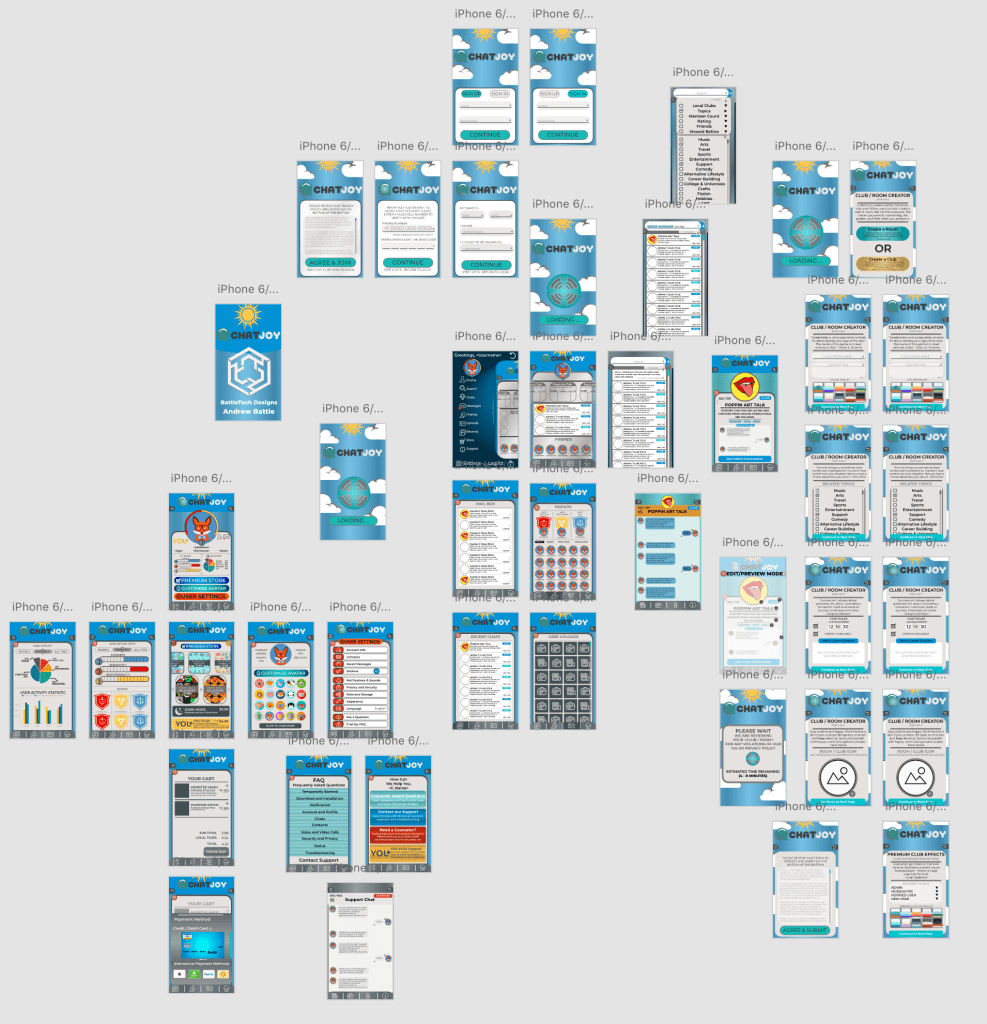
After developing my app slides/slices I then proceeded to create the animated prototype that would connect all the slices to each other. I chose to do this in Adobe XD because I could easily import my Illustrator Artboards into the Adobe XD Prototyping software. After I imported all of the files, I proceeded to organize them into the same flow chart I used in my Illustrator Artboard so that flow chart and artboards would all match up. Here is the result I am talking about.
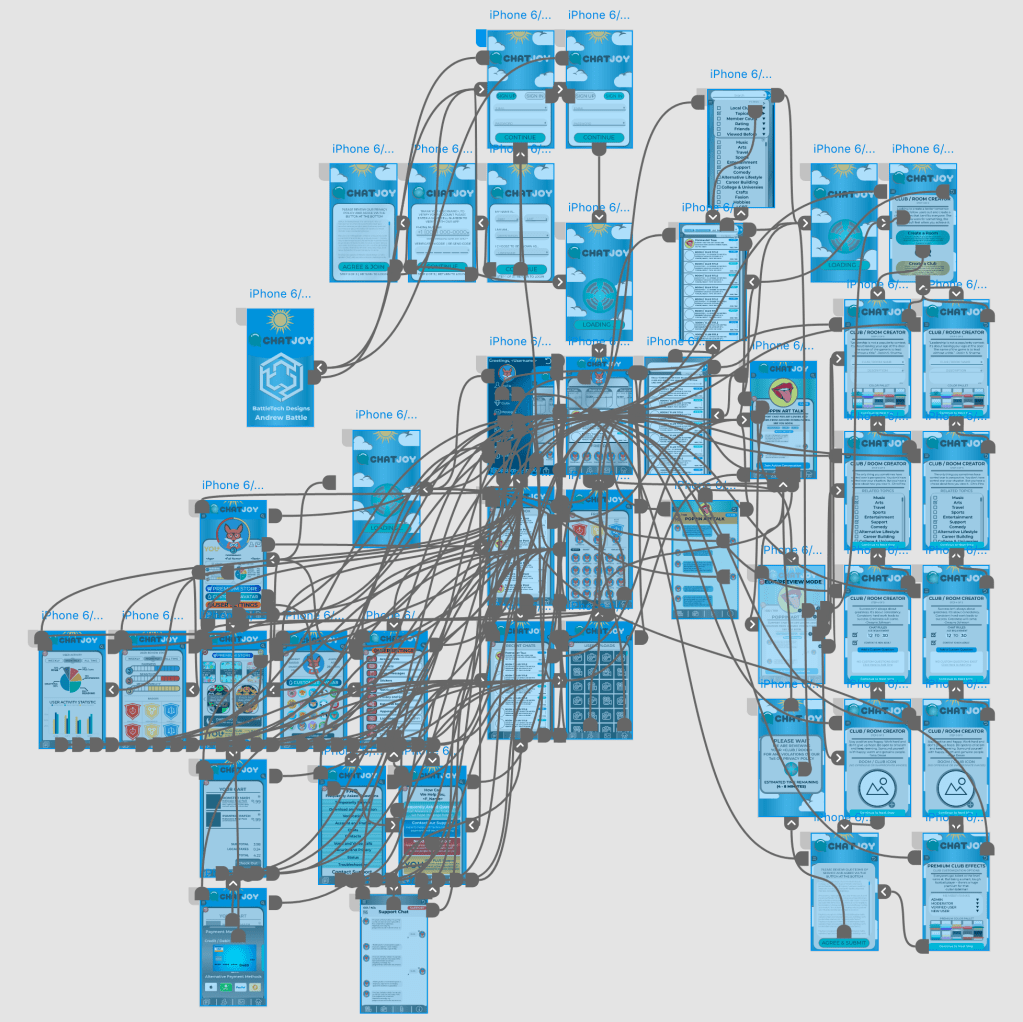
After I completed my organization and filtering processes I proceeded to link all the button inputs on each screen into their proper locations. This mess of connections was the output result of all the connection linking.
Now for your enjoyment here is a video preview of my prototype in action for your own enjoyment. Please Enjoy and comment below. Also If you would prefer to try it your self please click the button below to visit the prototype review public phase for an interactive experience.
 BattleTech Designs